Umrah eSIM: staying connected in Makkah and Madinah this winter
The Christmas and New Year school break is one of the busiest times of year for Umrah from the UK. Families travel together, parents and grandparents finally have the time, and the weather in Makkah and Madinah is far gentler than in summer. If you are going this winter, or in the February half-term, which falls during Ramadan in 2027, this guide covers the practical side of staying connected: which plan fits your trip, how to set it up before you leave, and what to expect from the network around the Haram.
We are an eSIM shop, not a travel agent or visa service, so we stick to what we know: keeping your phone working. For visas and permits we point you to the official sources, because the rules change.
Why you will want data on this trip
Umrah is not a trip you spend on your phone, and nobody would want it to be. But a few practical things depend on it:
- The Nusuk app. Saudi Arabia's official Umrah platform, run under the Ministry of Hajj and Umrah, is where you book your Umrah permit and a visit to the Rawdah in Madinah. You will want it to load when you need it.
- Family at home. A message when you land, a photo after you arrive in Madinah, a video call so the children can see their grandparents.
- Getting back to the hotel. After Isha, with thousands of people leaving the Haram at once, a working map makes the walk back much easier.
- Group messages. Most groups run on WhatsApp: coach times, meeting points, changes to the plan.
- Bank codes and airline apps. For check-in on the way home and any payment that needs a code.
Which plan fits a 7, 10 or 14-night trip
The one rule worth remembering: count the days you will be in Saudi Arabia, not the nights. A 7-night package usually means 8 days on the ground, and a plan's validity starts when the eSIM first connects to a network in Saudi Arabia, not when you buy or install it. Most UK Umrah packages split the stay between Makkah and Madinah, and one eSIM covers both cities and the journey between them.
- A short trip of up to 7 days on the ground: 1 GB for 7 days is enough if you will be on hotel Wi-Fi most evenings and use mobile data for maps and messages.
- 7 to 10 nights: 3 GB for 15 days. It covers the whole trip with a few days to spare for a delayed flight, and leaves room for some video calls home.
- 14 nights: 3 GB or 5 GB for 30 days. A 14-night trip is 15 days on the ground, which is exactly the length of a 15-day plan, so the 30-day plans give you a margin. Choose 5 GB if you expect to video-call most days.
- Heavy video-callers: a daily plan gives you a set amount of high-speed data every day for the number of days you choose. If you use it up, you stay connected at a slower speed until it resets, which is still fine for messages and maps.
- Group leaders: 20 GB for 30 days. You will be sharing locations, answering questions and sorting out problems for other people.
If you run low, most plans can be topped up from your account without changing the eSIM. Each plan's page shows whether it can be topped up and which Saudi network it uses.
Set it up at home, before you fly
Installing an eSIM takes a few minutes on Wi-Fi, and doing it at home means you are not trying to scan a QR code in an airport queue after an overnight flight.
- Check the phone first. The phone needs to support eSIM and must not be locked to a UK network. Our compatibility checker confirms it in a few seconds.
- Install a day or two before you leave, label the new line "Saudi" and leave it switched off until you land. Installing does not start the plan.
- On landing, switch on the Saudi line, set it as your mobile data line and turn on data roaming for that line only.
- Do not delete the eSIM during the trip, even if something looks wrong. Contact us instead.
Keep your UK number for WhatsApp and bank codes
You use the eSIM for mobile data, and your UK SIM can stay switched on alongside it. WhatsApp keeps working on your usual number over the eSIM's data, so family and your group can reach you as normal. Texts from your bank still arrive on your UK SIM. Turn off data roaming on the UK line so it cannot use data abroad, and check with your UK network what calls and texts cost while you are away.
Nusuk: permits for Umrah and the Rawdah
Nusuk is the official platform for Umrah, overseen by the Ministry of Hajj and Umrah. Two things matter most for a winter trip:
- Your Umrah permit. The Ministry issues Umrah permits through the Nusuk app and website, for a date and time slot you choose. Visitors can register from outside the Kingdom once they have a valid visa. The Ministry also says a permit is cancelled automatically if you cannot enter the Kingdom by its start time, so book with your flight times in mind.
- The Rawdah in Madinah. Praying in the Rawdah at Masjid an-Nabawi needs a permit booked in Nusuk, with separate bookings for men and women. Slots fill up at busy times, so it is worth looking as soon as your dates are fixed.
Download Nusuk and set up your account at home, where you have time and reliable Wi-Fi. If you are travelling with an operator, ask whether they book permits for you. The details change, so follow what the app and nusuk.sa tell you.
Visas, in short
British citizens need a visa for Saudi Arabia. The two usual routes for Umrah are the Saudi tourist eVisa, which the official eVisa portal says covers Umrah but not Hajj, and an Umrah package with the visa included, through the Ministry's Nusuk Umrah platform or a travel company. Umrah on these visas is not possible during the Hajj season, which does not affect a winter or Ramadan trip. Your passport must be valid for at least 6 months from the date you arrive, and pilgrims need a meningitis ACWY vaccination certificate.
Our Umrah checklist for UK pilgrims goes through each of these in more detail, with links to the official pages. Checked on 10 October 2026; rules change, so confirm on the official site before you book. We are not a visa service and cannot help with applications.
Before you book, also read the UK government's travel advice for Saudi Arabia, and check it again before you fly. It changes with events in the region and can affect your travel insurance.
Buying for parents or the whole family
Many people booking Umrah this winter are organising it for parents or grandparents who are less at home with phones. A few things make it easier:
- Check each phone first. Older phones, and phones bought on a contract, are the ones most likely to be locked or not support eSIM. Run each model through the compatibility checker before you buy.
- Install it for them. If you can, set up the eSIM on their phone yourself at home, label it, and show them the one switch they need on landing.
- Buy together. Our family and group ordering lets you buy eSIMs for several people in one order and send each person their setup.
Group leaders
If you are leading a group, a little preparation saves a lot of searching later. Share a WhatsApp group before you leave, agree fixed meeting points near the Haram in Makkah and at Masjid an-Nabawi in Madinah, and make sure everyone has the hotel's name and address saved offline. Assume messages will be slow at the busiest times and plan meeting times that do not depend on them.
The network near the Haram at peak times
Mobile coverage in central Makkah and Madinah is generally good. The honest caveat is crowds: around the Haram at the busiest times, such as Jumu'ah, after Maghrib and Isha, and above all the last ten nights of Ramadan, a huge number of phones share the same masts and data can slow down. That is true for every network, not just ours. It helps to:
- download offline maps of Makkah and Madinah before you leave home;
- send voice notes or messages rather than video calls at the busiest times, and save video calls for the hotel;
- agree times and meeting points in advance rather than relying on live messages.
Frequently asked questions
Does one eSIM work in both Makkah and Madinah?
Yes. A Saudi Arabia plan works across the country, including the journey between the two cities by coach or the Haramain train.
When does my plan start?
When the eSIM first connects to a network in Saudi Arabia. You can install it at home days or weeks ahead without using any of your plan.
Will I keep my UK number?
Yes. Your UK SIM stays in the phone. WhatsApp keeps your usual number, and texts such as bank codes still reach your UK SIM.
Can I make normal phone calls with the eSIM?
Each plan's page shows what it includes. Most people call home on WhatsApp or another app over the eSIM's data.
What if I run out of data?
Top up from your account, if your plan allows it (the plan page says). The eSIM stays the same, so there is nothing to reinstall.
Can you help with my visa or Nusuk permit?
No. We are not a visa service or travel agent. Use the official eVisa portal, Nusuk, or your Umrah operator.
My parent's phone is quite old. Will it work?
Check the model on our compatibility checker before you buy. If it does not support eSIM, a local SIM bought on arrival is the alternative.
Before you go
Have a look at our Saudi Arabia plans, or use Find My Plan if you would rather answer a few questions and get a suggestion. We wish you a safe and blessed journey.
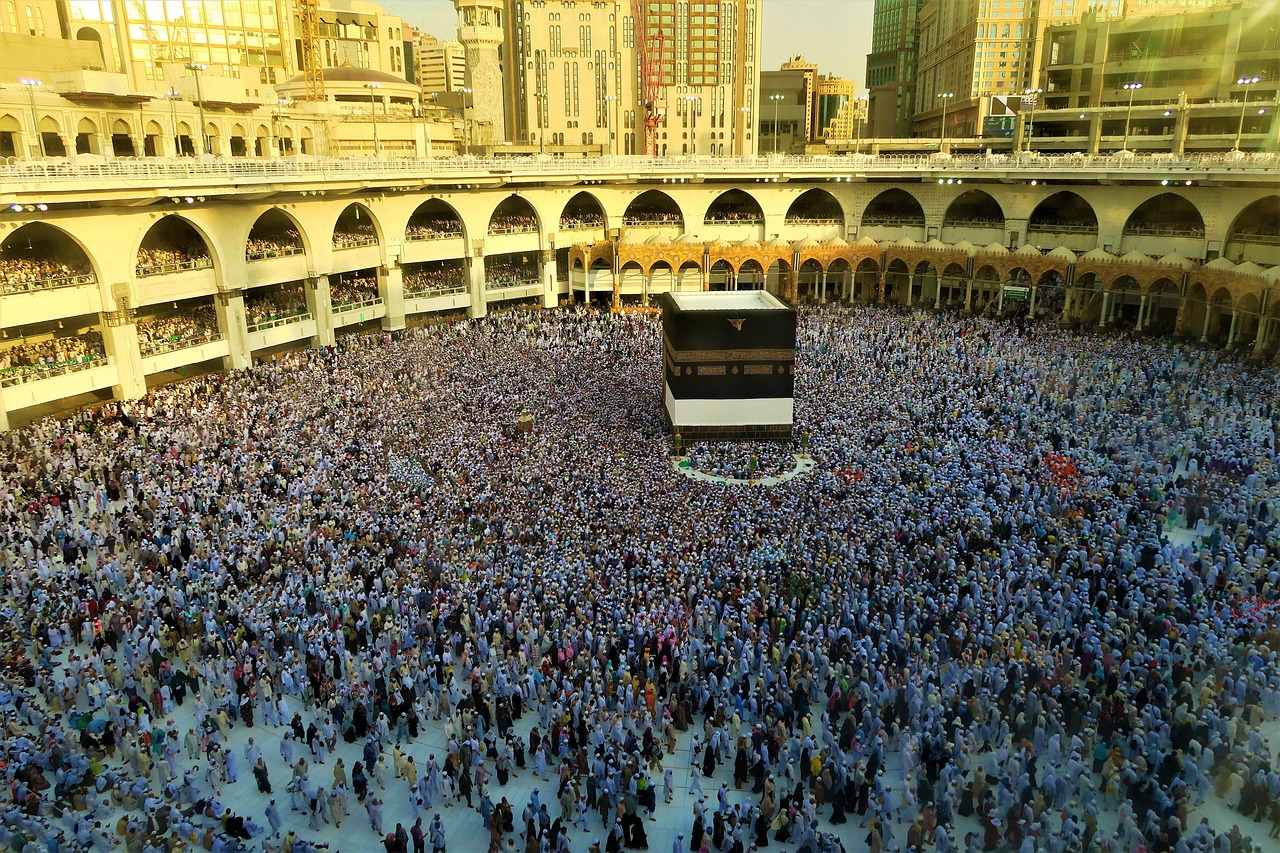
Photo: Konevi on Pixabay.
Not travelling yet?
Tell us your travel date and we will email you before you go (a week before, or when you choose) with the latest Saudi Arabia eSIM prices. No account needed.